C O D E K E Y


A custom keyboard designed for programmers.


Features


Sometimes we want to quickly edit a code snippet, or post an answer on Stack overflow but writing and editing code in general on a Mobile Device is a nightmare, so we created Codekey to change exactly that !  No more going through menus or unnecessary clicking of buttons.  Focus on what you do the best - Code.   Leave rest to us!

iOS 9 Ready

Codekey is ready for iOS 9.  Technically it supports any iOS device running iOS 8 and above. Be it iPhone, iPod, or an iPad.

System-Wide Support

No more juggling through keyboards. So whether you are writing an email, chatting with a friend, searching the Internet, or typing code, Codekey works everywhere!

Easy Access to Symbols

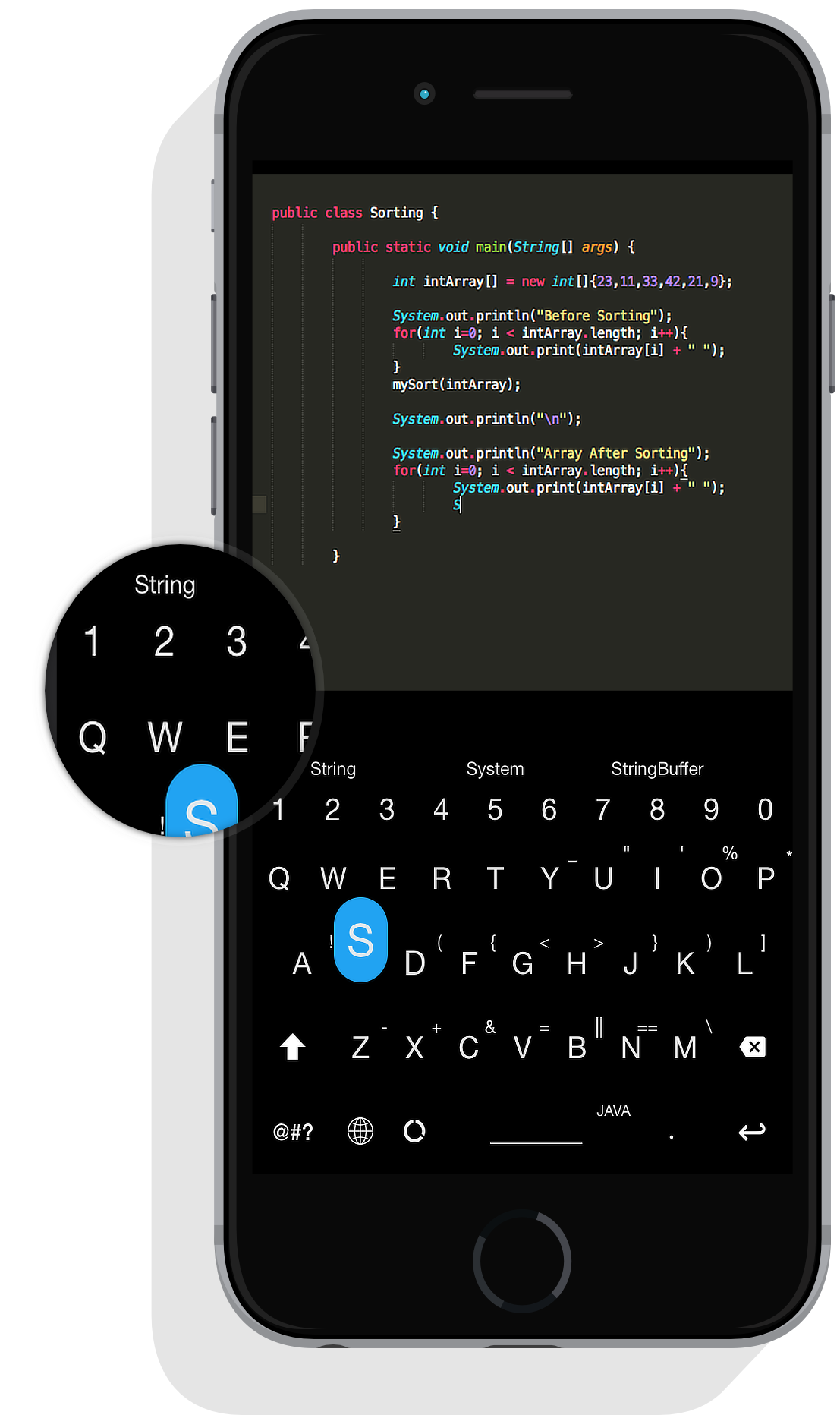
No more going through menus, screens to type "{} "" (), simply swipe up to access the symbol on the key.

One Keyboard Two Sizes

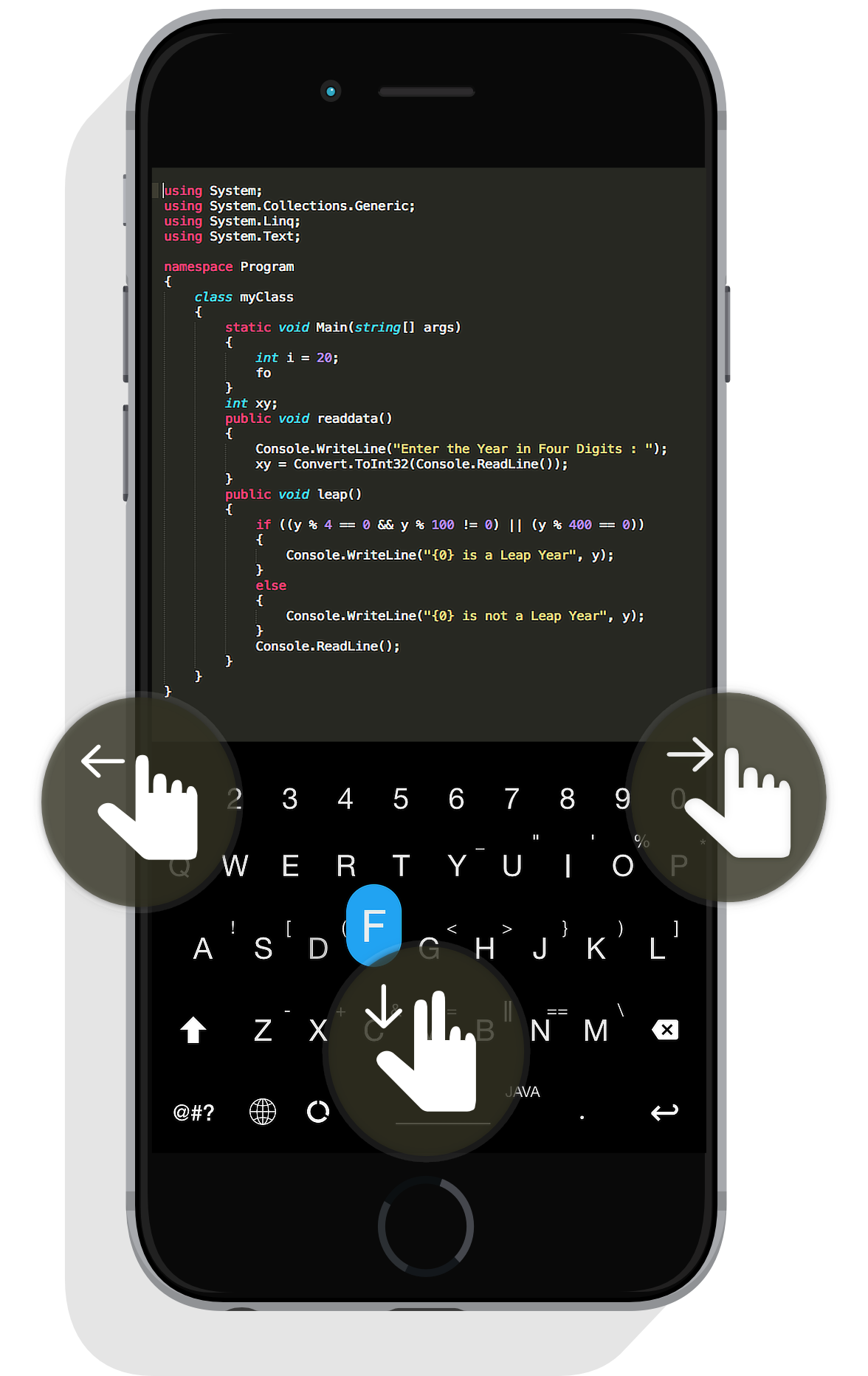
Need more screen space? Simple do a two finger slide down and voila! Codekey will go to "Minimal Mode" to giving you more screen space.
More Features

All what you want in your keyboard

Now with Codekey you have it on your fingertips.

Multi-Lingual

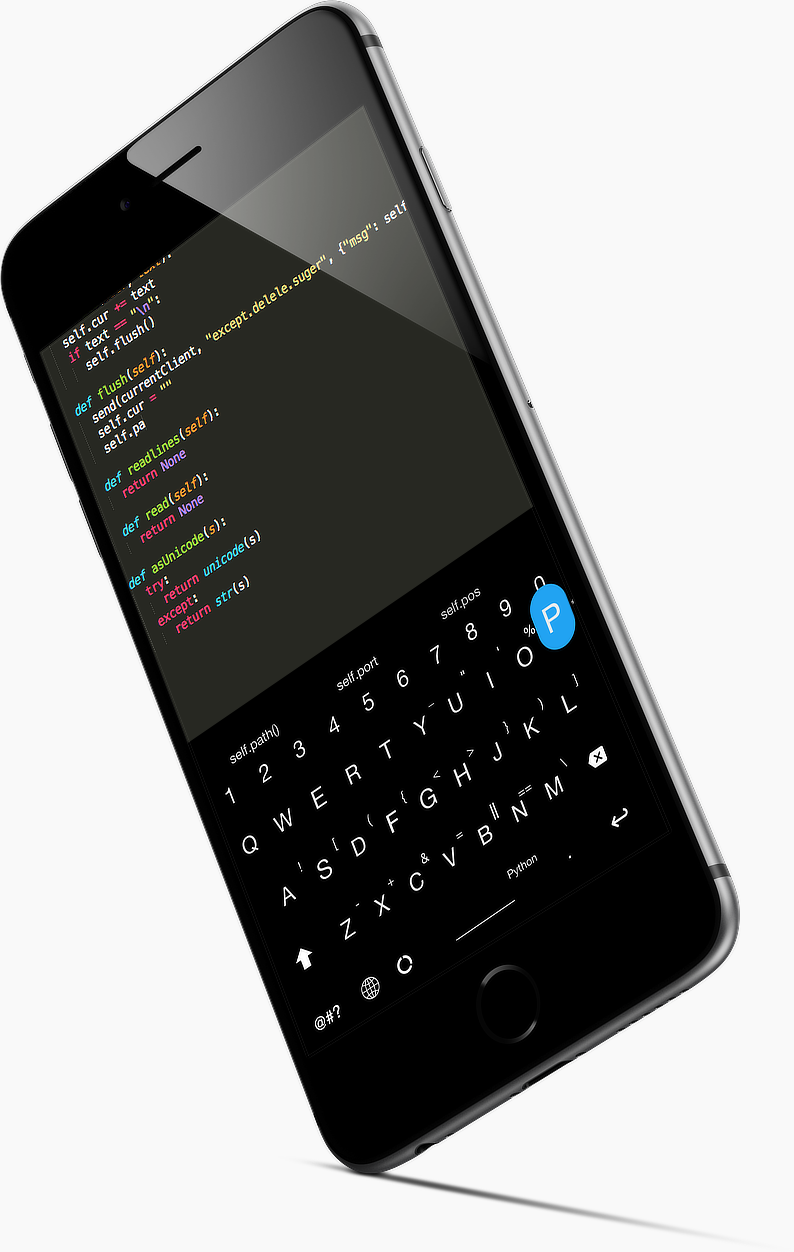
Currently Codekey supports 6 different programming languages, more coming soon!

Secure

Codekey runs in a complete sandboxed environment, no network access required, no open access required. In short, nobody knows what you type!

Easy Customization

Easily change themes and/or Language right from Codekey, no need to open any other app. Everything is inbuilt!

Even More Goodies!


Smart Suggestions


If you are someone like me, who struggles with remembering method names, keywords, class names, or what files to import. You will love Codekey (Even if you are programming wizard, still the suggestion system will be your best companion! ) Codekey has state of the Art Suggestion system. It's advanced and it knows what you are going to type along with Smart Suggestions, Codekey comes with Auto correction as-well, So no more misspelled words! The suggestion-system is language aware, so if you typing a Java code it knows all the methods, keywords, identifiers, classes you are going to need! Happy coding!


Smart Autocomplete*


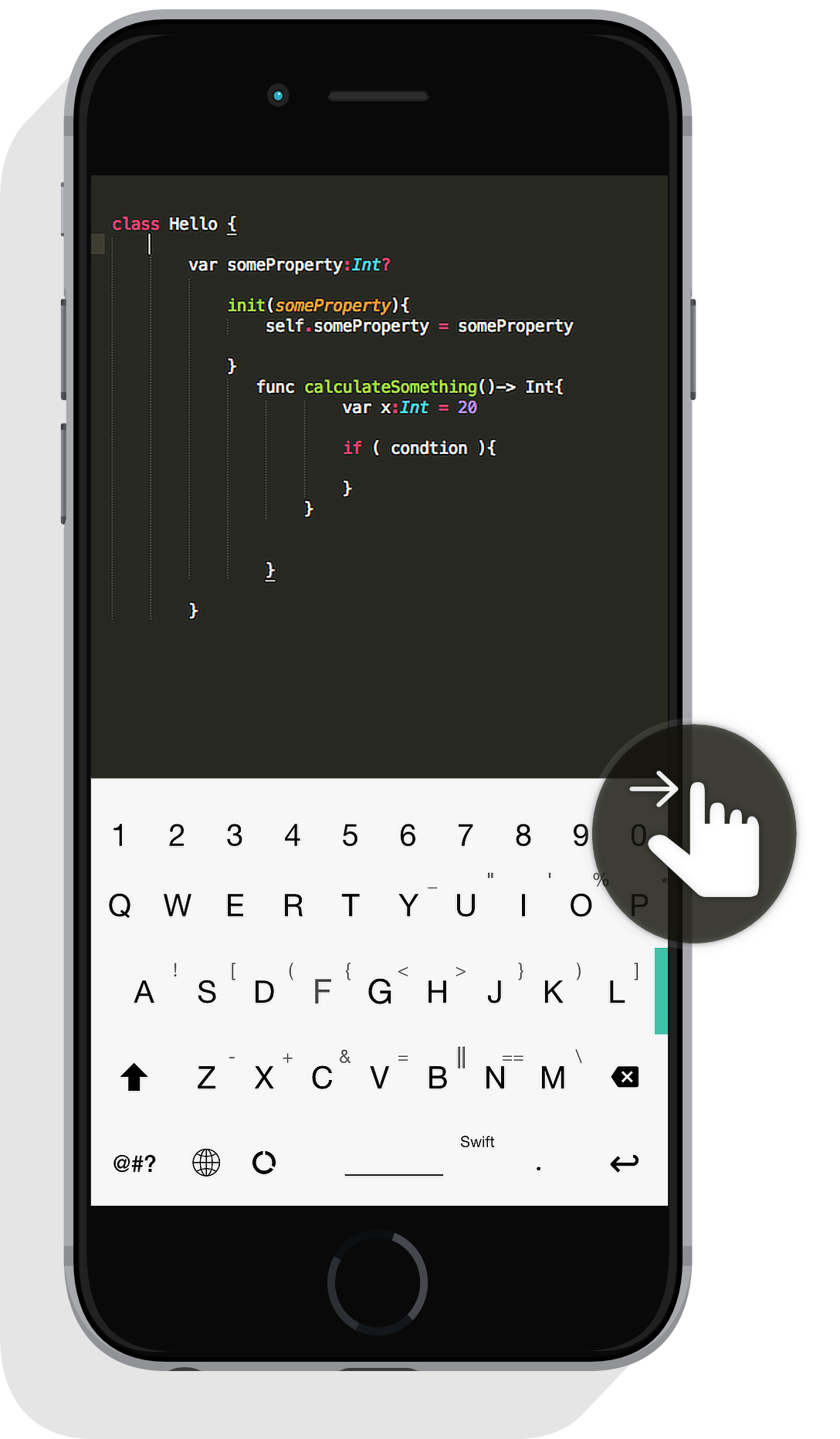
Codekey comes with tons of pre-defined syntax triggers, that can be activated using a simple right swipe. So if you want a "if" block, just type "if" and right swipe. Codekey will automatically create a "if ( condition ){ }" block for you. Same applies when you want to add "Switch" cases, "For" loops, Class body, methods declaration, functions declaration, interfaces, imports !   ..And It's completely hackable, so you have freedom to create your own trigger words.


*Coming soon in 1.1v update

Mutliple Gestures


Everyone loves Gestures, but using gestures on small view such as a Keyboard can be daunting task. Sometimes gestures don't get recognized, and fail to work. We changed that, In fact we went ahead re-wrote the complete Gesture system provided by Apple to make gesture recognition even better. With gestures you can easily delete an entire word with just one swipe to the left, no more holding down delete key. Enjoy swiping !

Coming soon on the
App Store

Enter your phone number and we’ll send a link to your iPhone


Blacktie.co.

CONTACT US


Send Us A Message:

xcodezen@gmail.com


We Are Social


BLACKTIE